
What to remember
- Fix blockers before cosmetic SEO issues.
- Prioritize revenue pages and important journeys first.
- End every audit with an owner, sequence and verification step.
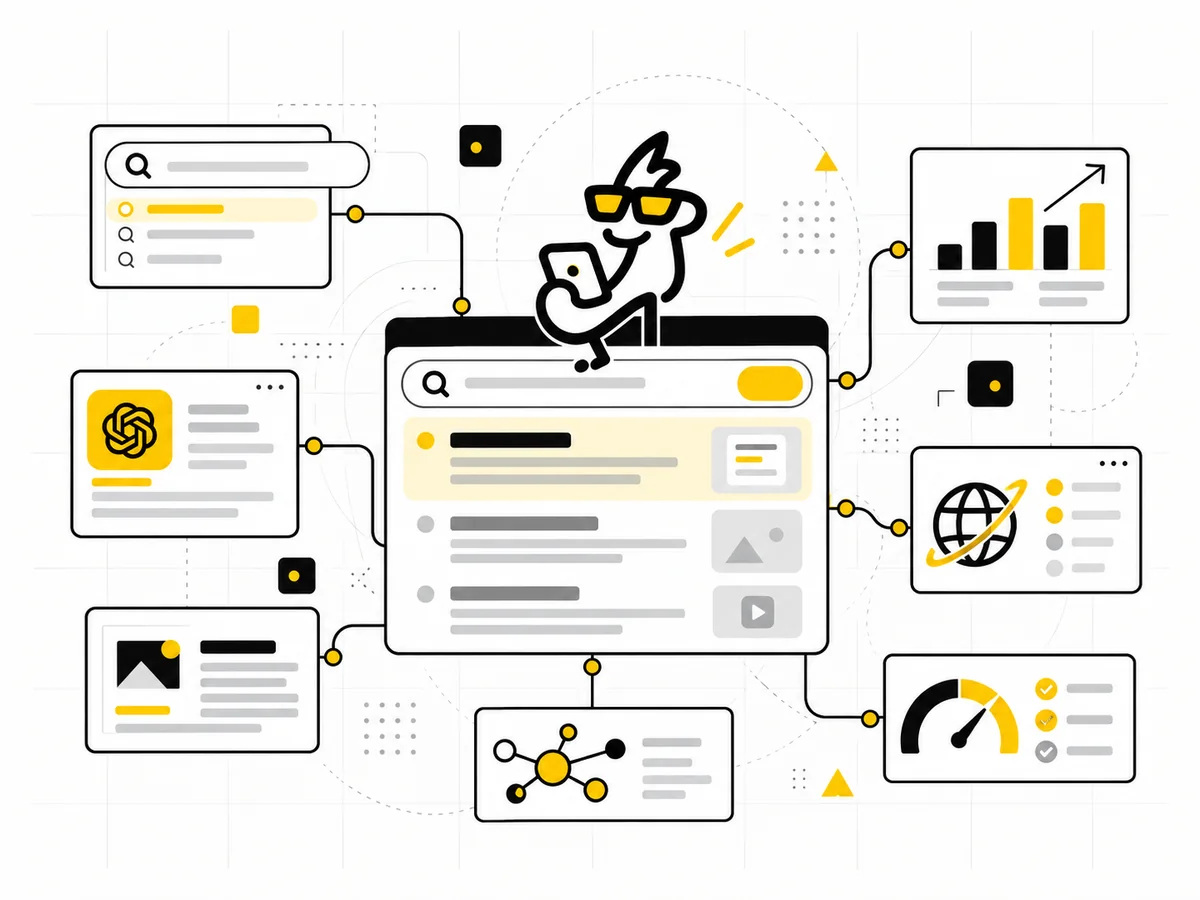
This page is the compact reference. If you need the ordered workflow behind it, follow How to Audit a Website for SEO: Step-by-Step Process, which explains the evidence, dependencies, prioritization and verification at each stage.
1. Can search engines access the right pages?
Check robots.txt, accidental noindex tags, canonical tags, sitemap coverage and server errors. Confirm that important pages return a normal 200 status and are reachable through internal links.
2. Does each important page have a clear job?
A page should target a real user need, not exist because a keyword spreadsheet said so. Review the title, H1, primary intent, supporting sections and next action.
3. Is the site architecture helping discovery?
Important service and topic pages should not be buried five clicks deep. Use descriptive navigation and contextual internal links that explain the relationship between pages.
4. Is the content worth indexing?
Remove or improve duplicated, thin and outdated pages. Strong pages answer the query directly, add context, examples and evidence, and make the business relevance clear.
5. Is technical performance creating friction?
Review mobile usability, page speed, image weight, layout stability and intrusive scripts. Technical quality supports users first; search benefit follows from a healthier experience.
6. Can you measure search outcomes?
Connect Search Console and analytics, then watch non-brand impressions, landing-page traffic, engaged sessions and qualified conversions. Ranking alone is not a business model.
How to turn audit findings into a roadmap
Give every issue four labels: business impact, SEO impact, dependency and effort. A broken canonical on a revenue page is different from a minor heading inconsistency on an old article. Fix blockers first, then high-value page quality, then scalable content opportunities.
This also helps prevent the common audit failure where a team receives hundreds of technical recommendations but no sequence. A useful audit ends with a small number of actions someone can actually own.
Evidence to collect
- Search Console coverage and performance data.
- Analytics landing-page and conversion data.
- A crawl of indexable URLs and response codes.
- Current sitemap and robots rules.
- Top linked pages and important backlinks where available.
- Examples of competitor pages winning the same intent.
SEO audit priority model
Indexing, canonical, server or rendering issues on critical pages.
Intent, content or internal-link problems on important pages.
Templates, supporting content and systematic improvements.
Search Console, analytics, crawl data and page review.
One person or team accountable for each fix.
Re-crawl, inspect and measure after implementation.
Example: a smaller fix can matter more
A missing meta description on an old low-traffic article is usually less urgent than a noindex tag on a core service page. The audit should make that difference obvious instead of presenting both issues as equal warnings.
Google Search Central: people-first content · Google Search Central: breadcrumb structured data
Frequently asked questions
How often should an SME run an SEO audit?
A full audit is useful around redesigns, migrations or major performance changes. Lighter technical and content checks can run continuously or quarterly.
Should we fix every issue in an audit?
No. Prioritize by severity, business impact, dependency and effort.