
What to remember
- Start with business-critical pages and real search data before opening a crawler.
- Audit in dependency order: discovery, crawling, indexing, relevance, experience and measurement.
- Record evidence, affected URLs, impact, action, owner and verification for every finding worth fixing.
How this guide differs from an SEO checklist
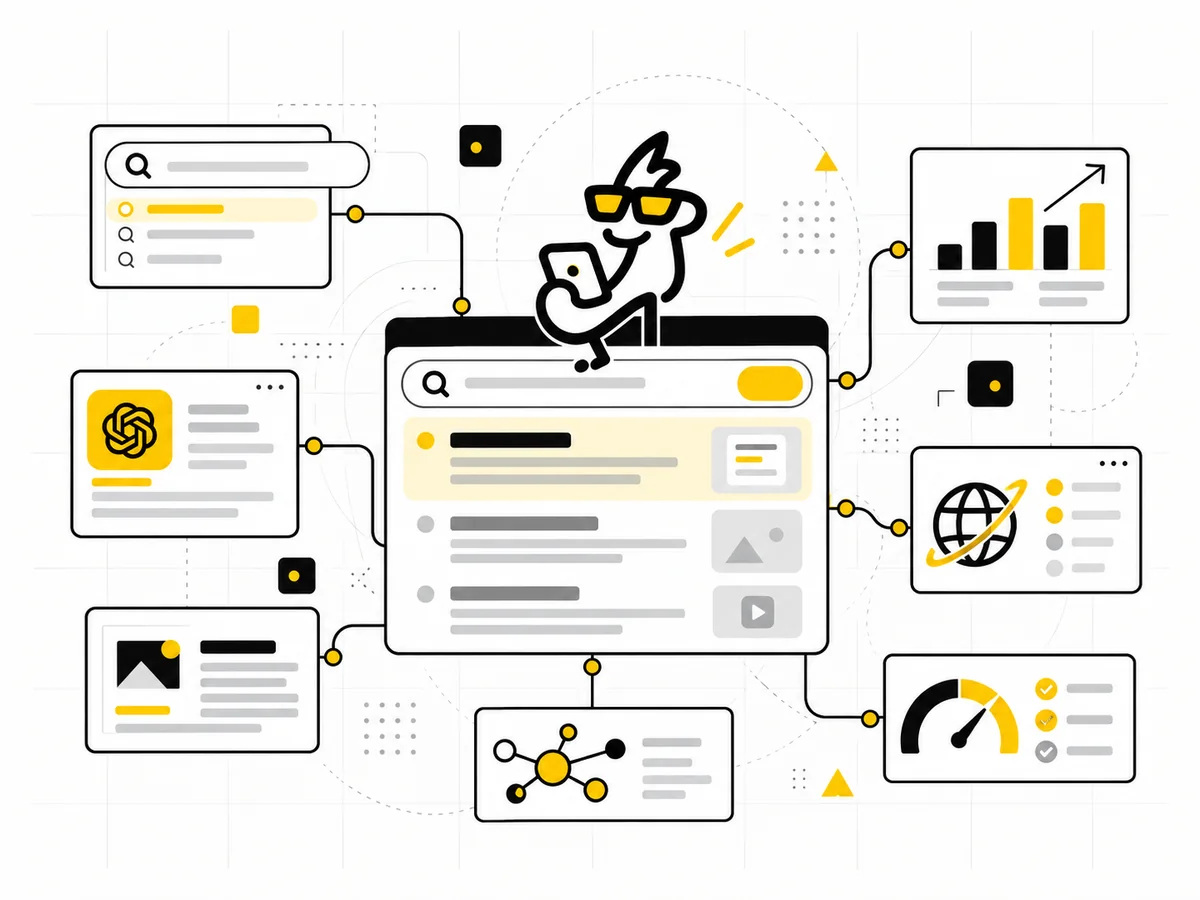
A checklist tells you what to inspect. A process tells you what to do first, which evidence to compare and how one finding changes the next step. Use the Mostly Digital SEO Audit Checklist as the compact reference while you work; use this guide to run the audit in a sensible order.
The sequence matters. Rewriting page titles before confirming that the page is crawlable, indexable and canonical wastes time. So does fixing every crawler warning before asking whether the affected URL has a useful business or search purpose.
Step 1: Define the audit question and scope
Write down why the audit is happening. Organic traffic may have fallen, a redesign may be approaching, important pages may not be indexed or the business may want a reliable growth baseline. The purpose changes what deserves attention first.
Create a short list of commercially important page groups: core services, locations, products, categories, lead-generation pages and the content that supports them. Record current organic clicks, impressions, conversions and any recent site changes. This gives the audit a baseline and prevents a high-volume blog issue from automatically outranking a problem on a revenue page.
If the site needs ongoing technical, content and AI-search work rather than a one-off diagnosis, the SEO + AI Search Visibility service explains how those parts fit together.
Step 2: Build a trustworthy URL inventory
Do not assume one tool contains the full site. Combine several sources:
- URLs found by a crawl starting from the homepage.
- URLs listed in XML sitemaps.
- URLs receiving impressions or clicks in Search Console.
- Organic landing pages recorded in analytics.
- Known templates or databases that may create URLs without internal links.
Compare the lists. A page in Search Console but absent from the crawl may be orphaned. A URL in the sitemap but redirected or blocked may reflect poor maintenance. A crawled page with no strategic purpose may be indexable clutter.
Google says a sitemap helps discovery but does not guarantee crawling or indexing. Treat it as a declaration of preferred, indexable URLs-not proof that Google accepted them.
Step 3: Separate discovery, crawling and indexing
These are different stages and need different evidence. First ask whether a search engine can discover the URL through crawlable links or a sitemap. Then check whether crawling is allowed and the server responds normally. Finally, confirm whether the page is indexed and which canonical Google selected.
Use Search Console’s Page indexing report for patterns and URL Inspection for important examples. Do not test only the homepage. Sample each meaningful template: service, article, category, product, location and any page type created by filters or parameters.
Be precise with controls. A robots.txt rule manages crawling; it is not a reliable instruction to remove a URL from the index. A noindex directive controls indexing, but the crawler generally needs access to see it.
Step 4: Check status codes, redirects and canonicals
Important indexable pages should normally return a stable 200 response. Retired pages should use an intentional redirect or a clear 404/410 response. Redirect chains, soft 404s and mixed HTTP/HTTPS or hostname variants create uncertainty for users, crawlers and reporting.
Review declared canonicals against the URL you actually want indexed. Google treats canonical tags as signals and can select a different representative URL when other signals conflict. Internal links, redirects and sitemap entries should reinforce the same preferred version.
Record canonical problems by template, not just by URL. One incorrect template rule can create hundreds of symptoms; fixing individual pages will not remove the cause.
Step 5: Audit site architecture and internal links
Trace how a user and crawler reach each critical page from the homepage or a relevant hub. Important pages should not depend on a site search, JavaScript-only interaction or an isolated sitemap entry.
Google recommends standard crawlable links and descriptive anchor text. During the audit, look for orphan pages, excessive depth, repeated generic anchors, broken links and strong pages that fail to support related commercial pages.
Internal links should explain relationships, not decorate text. A guide about preparing for AI-assisted discovery, for example, can naturally point to the deeper explanation of why AEO extends rather than replaces SEO.
Step 6: Review search intent and page purpose
For each important page, define the query or need it should satisfy and the action the visitor should take next. Then compare that promise with the title, H1, opening section, supporting content and search result appearance.
Watch for several pages competing for the same job, one page trying to serve unrelated intents, or informational content that never connects the reader to a useful next step. Consolidation can be better than creating another near-duplicate page.
Search the target topic manually, but do not copy the pages already ranking. Use the result set to understand format, intent and missing questions. The page still needs an original reason to exist.
Step 7: Evaluate content quality page by page
Ask whether the page answers the central question directly, supports important claims, shows appropriate experience or expertise, and stays current. Remove empty introductions, repeated sections and claims written only to sound authoritative.
Google’s people-first guidance emphasizes useful, reliable content created for readers rather than pages produced mainly to manipulate rankings. For a business site, usefulness also includes clear service scope, proof, limitations, next steps and ownership.
Group findings into improve, consolidate, redirect, remove or leave alone. “Add more words” is not an audit recommendation unless missing depth is the actual problem.
Step 8: Inspect search appearance and structured data
Check titles and descriptions for clarity, duplication and truncation risk, while remembering that search engines may rewrite them. Review headings, image alternatives where meaningful, breadcrumb paths and structured data that genuinely matches visible page content.
Validate markup, but do not confuse valid schema with guaranteed rich results. Structured data can help machines understand a page; it cannot rescue unclear or unhelpful content.
Step 9: Review mobile experience and performance
Test the actual customer journey on a phone: landing, reading, navigation, form completion and confirmation. Then use field and lab performance data to diagnose slow main content, delayed interactions and layout movement.
Prioritize high-value templates and recurring causes rather than chasing a perfect tool score. The Core Web Vitals business guide explains how to move from field evidence to funnel priority, targeted fixes and verification.
Step 10: Confirm measurement before recommending growth work
An SEO audit should be able to connect visibility with useful behaviour. Confirm Search Console ownership, analytics coverage, organic landing-page reporting and the events or CRM outcomes that represent a real enquiry or sale.
Check that internal traffic, cross-domain journeys, consent behaviour and form confirmations do not distort the story. If the measurement plan is weak, record that as a dependency. The GA4 conversion tracking guide provides a practical event-planning and testing process.
Turn findings into a roadmap, not a warning list
For each actionable finding, capture:
- Evidence: What proves the issue exists?
- Scope: Which URLs or templates are affected?
- Impact: What discovery, relevance, experience or measurement problem can it cause?
- Action: What specifically should change?
- Owner: Who can implement it?
- Verification: How will you confirm the fix?
Prioritize blockers on critical pages first, then high-value content and architecture improvements, then scalable template or content opportunities. Keep minor cosmetic warnings separate so they do not crowd out work that can change outcomes.
The audit sequence
Define the business question and critical page groups.
Reconcile crawled, submitted, indexed and visited URLs.
Test discovery, crawling, status, indexing and canonicals.
Review intent, content, architecture and search appearance.
Check mobile journeys, performance and measurement.
Assign impact, action, owner and verification.
One finding, written usefully
Weak finding: “Twenty-three pages have canonical issues.”
Useful finding: “The service-page template points canonicals to the services hub. Five affected pages generate organic enquiries. Update the template to use self-referencing canonicals, confirm sitemap and internal links use the preferred URLs, then request reprocessing and verify the selected canonical in URL Inspection.”
The second version explains evidence, scope, impact, action and verification. Someone can own it.
Frequently asked questions
How long should an SEO audit take?
It depends on site size, template complexity and the question being investigated. A focused audit of a small lead-generation site may take days; a large ecommerce or international site may require sampling, log analysis and specialist reviews over a longer period.
Do I need paid SEO tools?
No single paid tool is mandatory. Search Console, analytics, browser inspection and a capable crawler can cover much of the evidence. Paid tools become useful when scale, historical data, competitor research or collaboration justifies them.
Should every crawler warning be fixed?
No. Validate the issue, affected pages and likely impact first. Some warnings are symptoms, some are intentional and some matter only on specific templates.
How often should the audit be repeated?
Run a full audit around migrations, redesigns or unexplained performance changes. Monitor critical technical, indexing and conversion signals continuously, with lighter scheduled reviews based on how often the site changes.
Google Search Console: URL Inspection and indexing information · Google Search Central: Sitemaps overview · Google Search Central: Canonicalization · Google Search Central: Link best practices · Google Search Central: People-first content · Google Search Central: Core Web Vitals